
Download Scalaris – Elegant Discreet Twitter Client for macOS
Overview
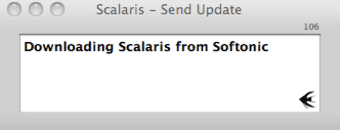
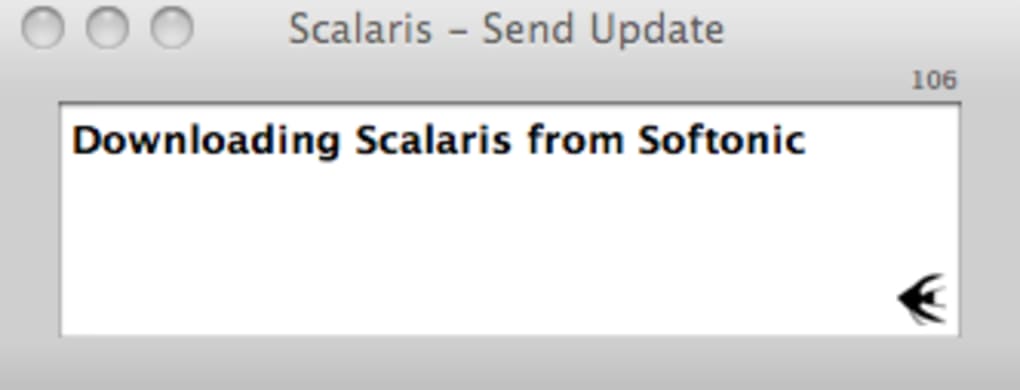
Scalaris is a lightweight, menu‑bar‑only Twitter client built exclusively for macOS. Designed with minimalism in mind, it keeps your workflow clean while still delivering real‑time updates through Growl notifications. Unlike larger desktop clients that occupy valuable Dock space, Scalaris lives silently in the menubar, pulling the latest tweets every 90 seconds and surfacing them as unobtrusive alerts. The app’s core philosophy is “tweet without distraction”: you can stay informed, reply, or post new messages without ever leaving your current window. If you value a sleek interface, low memory footprint, and tight integration with the native macOS notification system, Scalaris offers a secure, free alternative to the bulkier Twitter apps on the market.
Key Features
- Menubar‑only design that never clutters your Dock.
- Automatic tweet fetching every 90 seconds, delivered via Growl.
- Full support for reading timelines, mentions, and direct messages.
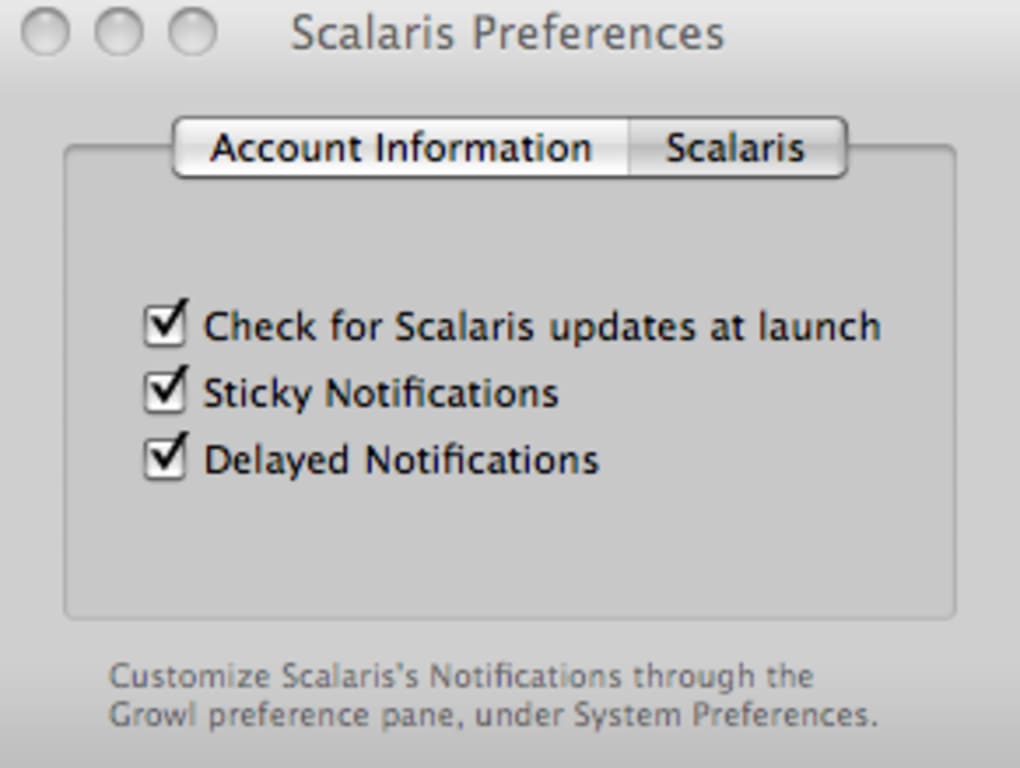
- Customizable Growl notification settings directly from System Preferences.
- Keyboard shortcut (Ctrl + ↑) to open the compose window instantly.
- Lightweight architecture that uses minimal CPU and RAM.
- Secure OAuth authentication – no password stored locally.
- Free to download and use, with regular updates from the developer.
These features combine to create a discreet tweeting experience. The Growl integration is especially powerful because it lets you control the visual and auditory style of each alert, ensuring that important tweets catch your eye while routine updates fade into the background. Since Scalaris never forces a permanent window onto your screen, you can keep it running all day without it becoming a visual distraction. The app also respects macOS security standards, using Apple’s keychain to store authentication tokens safely.
Installation, Setup & Compatibility
Getting Scalaris up and running is straightforward. First, download the DMG file from the official website. Once the download completes, open the DMG and drag the Scalaris icon into your Applications folder. macOS may warn you that the app is from an unidentified developer; simply open System Preferences → Security & Privacy → General and click “Open Anyway” to bypass the gatekeeper. After launching the app, you’ll be prompted to sign in with your Twitter credentials via OAuth – this step redirects you to a secure Twitter login page and never stores your password locally.
After authentication, Scalaris immediately begins polling your timeline every 90 seconds. You can adjust notification preferences by opening System Preferences → Growl → Applications → Scalaris and toggling alerts, sounds, and visual styles. Although the fetch interval is fixed, the 90‑second cadence balances timeliness with battery efficiency, making the client suitable for both desktop and laptop use.
Scalaris is compatible with macOS 10.12 (Sierra) and later, including the latest Ventura and Sonoma releases. The app runs natively on Intel and Apple Silicon (M1/M2) Macs, thanks to universal binaries provided by the developer. No additional dependencies or third‑party runtimes are required, and the installer automatically places the appropriate version for your hardware.
For power users who prefer keyboard‑centric workflows, the default shortcut (Ctrl + ↑) opens the compose window. This can be changed in the app’s preferences if you wish to assign a different combination or add a mouse‑clickable menu entry. Overall, the installation process takes under five minutes, and the low‑impact design ensures that the client stays out of the way while still keeping you connected to the Twitterverse.
Pros & Cons
Scalaris Review – Quick Verdict
- Pros
- Extremely lightweight; negligible CPU and RAM usage.
- Menubar‑only UI keeps the desktop uncluttered.
- Full Growl integration for highly customizable alerts.
- Secure OAuth login with no password storage.
- Free download with regular updates.
- Cons
- Fixed 90‑second refresh interval cannot be shortened.
- No permanent on‑screen tweet composer; must use keyboard shortcut.
- Lacks advanced features like multiple accounts or tweet scheduling.
- Relies on Growl, which may not be pre‑installed on newer macOS versions.
- No native Windows, Android, or iOS versions.
For users who want a silent, no‑frills way to stay on top of Twitter activity, Scalaris hits the mark. Its minimal design and Growl‑driven notifications make it ideal for developers, writers, and anyone who spends long hours in front of a Mac and needs to keep Twitter out of the way. The trade‑off is the lack of advanced social‑media tools, which power users might miss. Nonetheless, as a free, secure, and discreet client, Scalaris delivers exactly what it promises.
Frequently Asked Questions
Does Scalaris store my Twitter password?
No. Scalaris uses OAuth authentication, which means you log in through Twitter’s secure web page. Only an access token is saved in the macOS keychain, never your password.Can I change the tweet refresh interval?
The refresh interval is fixed at 90 seconds and cannot be altered in the current version. This design balances timely updates with low battery consumption.Is Growl required for notifications?
Yes. Scalaris relies on Growl to deliver alerts. If Growl isn’t installed, you’ll need to download it from the official site or use a compatible notification replacement.Can I run multiple Twitter accounts simultaneously?
Scalaris supports only a single account at a time. To switch accounts, you must log out and log back in with the new credentials.Is Scalaris still being updated?
The developer releases periodic updates to maintain compatibility with macOS and Twitter API changes. Check the official website for the latest version and changelog.Conclusion & Call to Action
Scalaris stands out as a purpose‑built, discreet Twitter client that puts the power of Growl notifications at your fingertips. If you’re looking for a free, secure, and ultra‑light app that lives in the menubar and never interrupts your workflow, Scalaris delivers exactly that. While it sacrifices some advanced features, its simplicity is its strength—allowing you to stay connected without the clutter of larger clients.
Ready to streamline your Twitter experience? Free download Scalaris now and enjoy a cleaner, notification‑driven workflow on macOS.







